Spring’s dependency injection is powerful, but it gives you more than one way to register a bean with the container. Two of the most common approaches are @Component and @Bean. They accomplish similar goals but work differently and belong in different situations.
Understanding which to use - and why - leads to cleaner, more intentional Spring code.
Reading path: Begin with the concept, use the code or comparison example to make it concrete, and finish with the design trade-off or practical rule.
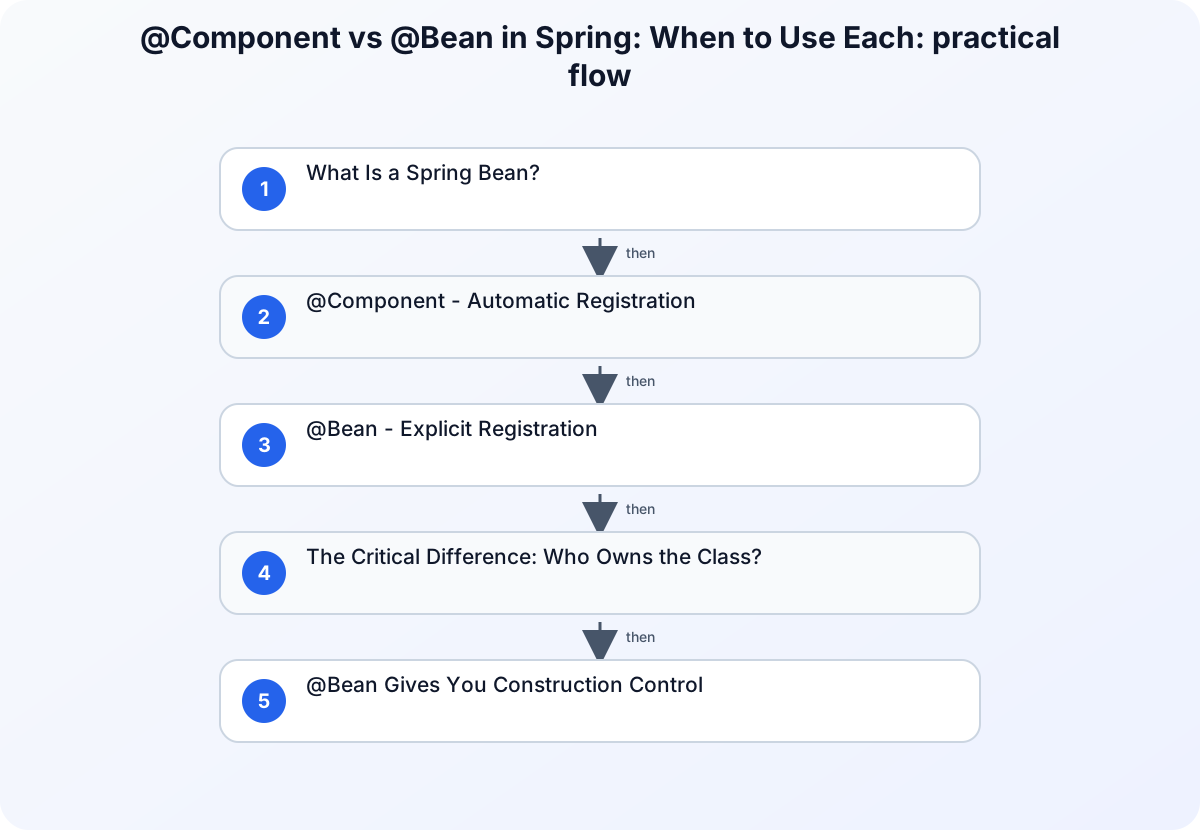
What Is a Spring Bean?
Before comparing the two annotations, it’s worth being precise: a bean is simply an object managed by Spring’s IoC (Inversion of Control) container. Spring handles instantiation, configuration, and lifecycle management. You declare what you want; Spring figures out how to wire it together.
Both @Component and @Bean are ways of registering objects with that container. The difference is in how you declare them.
@Component - Automatic Registration
@Component is a class-level annotation. When Spring’s component scanning encounters a class marked with it, the class is automatically instantiated and registered as a bean.
@Component
public class TokenValidator {

    public boolean isValid(String token) {
        // validation logic
        return token != null && token.length() >= 32;
    }
}
Spring finds TokenValidator during the component scan and registers it. You can now inject it anywhere:
@Service
public class AuthService {

    private final TokenValidator tokenValidator;

    public AuthService(TokenValidator tokenValidator) {
        this.tokenValidator = tokenValidator;
    }
}
Specialized Variants
@Component has three specialized stereotypes that add semantic meaning:
| Annotation | Layer | Purpose |
|---|---|---|
@Service |
Business logic | Service layer operations |
@Repository |
Data access | Database interaction, exception translation |
@Controller / @RestController |
Presentation | HTTP request handling |
These annotations are all @Component under the hood - they scan and register the same way - but they communicate intent and enable layer-specific behaviors (like @Repository’s JPA exception translation).
Enabling Component Scanning
Component scanning is active by default in Spring Boot applications. For explicit control:
@Configuration
@ComponentScan(basePackages = "com.example.app")
public class AppConfig {
}
@Bean - Explicit Registration
@Bean is a method-level annotation used inside a @Configuration class. It tells Spring to call that method and register its return value as a bean.
@Configuration
public class SecurityConfig {

    @Bean
    public PasswordEncoder passwordEncoder() {
        return new BCryptPasswordEncoder(12);
    }
}
Spring calls passwordEncoder() once, stores the result, and injects it wherever a PasswordEncoder is needed. The @Configuration annotation ensures that repeated calls to passwordEncoder() within the configuration class return the same instance (not new ones), which is important for beans that must be singletons.
The Critical Difference: Who Owns the Class?
The most important factor in choosing between them:
@Component: Use when you own and control the class source code. You can add the annotation directly.
@Bean: Use when the class comes from an external library or third-party dependency - you can’t add @Component to it. The @Bean method lets you configure and register it explicitly.
@Configuration
public class HttpClientConfig {

    // OkHttp3 is a third-party library - we can't annotate its class
    @Bean
    public OkHttpClient okHttpClient() {
        return new OkHttpClient.Builder()
            .connectTimeout(30, TimeUnit.SECONDS)
            .readTimeout(30, TimeUnit.SECONDS)
            .addInterceptor(new LoggingInterceptor())
            .build();
    }
}
@Bean Gives You Construction Control
Another advantage of @Bean is complete control over how the object is built. When @Component auto-creates an object, you can’t easily inject custom construction logic. @Bean makes the creation process explicit:
@Bean
public DataSource dataSource(
    @Value("${db.url}") String url,
    @Value("${db.username}") String username,
    @Value("${db.password}") String password
) {
    HikariConfig config = new HikariConfig();
    config.setJdbcUrl(url);
    config.setUsername(username);
    config.setPassword(password);
    config.setMaximumPoolSize(20);
    config.setConnectionTimeout(30_000);
    return new HikariDataSource(config);
}
This level of construction-time configuration isn’t possible with @Component.
Side-by-Side Comparison
| Attribute | @Component |
@Bean |
|---|---|---|
| Placement | On the class | On a method inside @Configuration |
| Registration | Automatic (component scan) | Explicit (method return value) |
| Best for | Classes you control | External/third-party classes |
| Construction control | Limited | Full |
| Readability | Less boilerplate | More explicit |
Practical Guidelines
Use @Component (or its stereotypes) when:
- You own the class
- The class has a clear, single role in your application’s layer structure
- Auto-discovery and minimal boilerplate are acceptable
Use @Bean when:
- The class comes from a library you can’t modify
- You need to customize how the object is constructed
- You want the configuration to be explicit and centralized in a
@Configurationclass
Conclusion
Both @Component and @Bean put objects into Spring’s container. The distinction is about who controls the class and how much control you need over construction.
For classes you write: @Component. For classes you don’t: @Bean. When in doubt, prefer explicitness - a @Configuration class with @Bean methods is easier to audit, easier to test, and leaves nothing to implicit scanning behavior.