One of the first questions you face when building a Spring Boot application is how to organize your code. You could put everything in one class. You could organize by feature. You could follow some informal convention that made sense to you at the time. But Spring Boot has a well-established pattern that most serious projects follow: three-layer architecture, separating the code into Controller, Service, and Repository layers.
This isn’t arbitrary organization. Each layer has a specific responsibility and talks only to its adjacent layers. The result is code that’s easier to test, easier to change, and much easier for a new developer to navigate.
Reading path: Begin with the concept, use the code or comparison example to make it concrete, and finish with the design trade-off or practical rule.
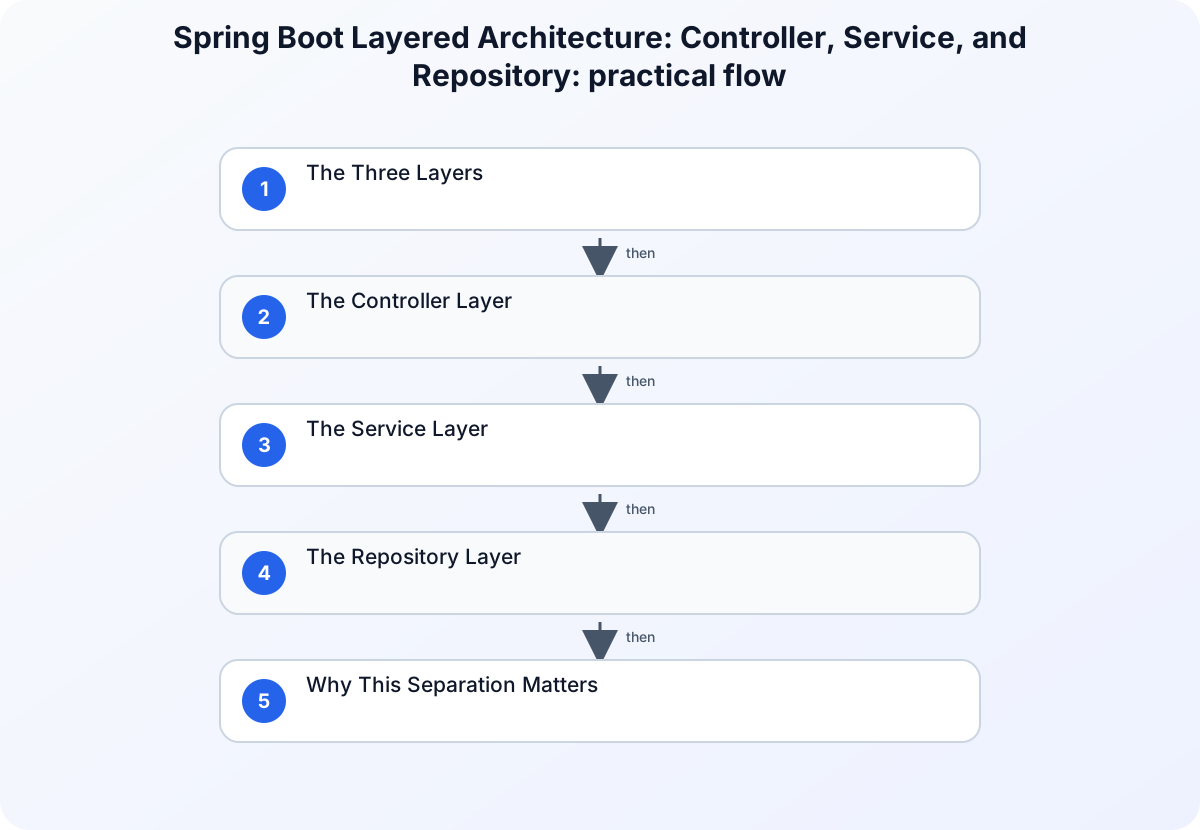
The Three Layers
| Layer | Responsibility |
|---|---|
| Controller | Handles HTTP routing, request parsing, validation, and response formatting |
| Service | Applies the business rules enforced by the application |
| Repository | Reads and writes data through the persistence layer |
Data flows down on requests and back up on responses. Each layer has one job and one job only.
The Controller Layer
The controller is the entry point for HTTP traffic. Its job is narrow: receive requests, validate inputs at the HTTP level, call the appropriate service method, and format the response.
The controller should contain no business logic. If you find yourself writing if (user.getRole() == ADMIN) in a controller, that logic belongs in the service layer.
@RestController
@RequestMapping("/api/users")
public class UserController {

    private final UserService userService;

    public UserController(UserService userService) {
        this.userService = userService;
    }

    @GetMapping("/{id}")
    public ResponseEntity<UserDto> getUser(@PathVariable Long id) {
        UserDto user = userService.getUserById(id);
        return ResponseEntity.ok(user);
    }

    @PostMapping
    public ResponseEntity<UserDto> createUser(@RequestBody @Valid CreateUserRequest request) {
        UserDto created = userService.createUser(request);
        return ResponseEntity.status(HttpStatus.CREATED).body(created);
    }

    @DeleteMapping("/{id}")
    public ResponseEntity<Void> deleteUser(@PathVariable Long id) {
        userService.deleteUser(id);
        return ResponseEntity.noContent().build();
    }
}
Notice: the controller uses UserDto (a Data Transfer Object) rather than exposing the database entity directly. This is intentional - DTOs control exactly what gets serialized in the response and prevent accidentally leaking sensitive fields.
The Service Layer
The service layer is where your application’s business logic lives. This is the heart of your application - the code that enforces rules, coordinates operations, and makes decisions.
If your application has any meaningful behavior beyond “store this and return it,” that behavior belongs here.
@Service
public class UserService {

    private final UserRepository userRepository;
    private final EmailService emailService;

    public UserService(UserRepository userRepository, EmailService emailService) {
        this.userRepository = userRepository;
        this.emailService = emailService;
    }

    public UserDto getUserById(Long id) {
        User user = userRepository.findById(id)
            .orElseThrow(() -> new EntityNotFoundException("User not found: " + id));
        return convertToDto(user);
    }

    public UserDto createUser(CreateUserRequest request) {
        // Business rule: email must be unique
        if (userRepository.existsByEmail(request.email())) {
            throw new ConflictException("Email already registered");
        }

        User user = new User();
        user.setName(request.name());
        user.setEmail(request.email());
        user.setCreatedAt(Instant.now());

        User saved = userRepository.save(user);

        // Post-creation side effects belong here, not in the controller
        emailService.sendWelcomeEmail(saved.getEmail());

        return convertToDto(saved);
    }

    private UserDto convertToDto(User user) {
        return new UserDto(user.getId(), user.getName(), user.getEmail());
    }
}
The service layer is also the natural location for transaction management (@Transactional), orchestrating multiple repository calls that should succeed or fail atomically.
The Repository Layer
The repository layer handles all database interaction. In Spring Data JPA, this typically means extending JpaRepository or CrudRepository and letting Spring generate the standard query implementations for you.
@Repository
public interface UserRepository extends JpaRepository<User, Long> {

    boolean existsByEmail(String email);

    Optional<User> findByEmail(String email);

    List<User> findByCreatedAtAfter(Instant since);

    @Query("SELECT u FROM User u WHERE u.name LIKE :prefix%")
    List<User> findByNameStartingWith(@Param("prefix") String prefix);
}
Spring Data generates the SQL for method names following its naming conventions (findByEmail, existsByEmail, etc.). For more complex queries, @Query lets you write JPQL or native SQL directly.
The repository should never contain business logic - that belongs in the service. The repository’s only job is data access.
Why This Separation Matters
Testability
Each layer can be tested in isolation:
| Concept | Explanation |
|---|---|
| Controller tests | test HTTP routing, request parsing, and response formatting with @WebMvcTest (no database needed) |
| Service tests | test business logic with mock repositories using Mockito |
| Repository tests | test queries with @DataJpaTest against an in-memory database |
Without this separation, every test requires spinning up the entire application stack.
Security
The layered architecture has security implications. DTOs at the controller boundary prevent mass assignment attacks - where an attacker sends unexpected fields in a request body and manipulates fields they shouldn’t have access to (like setting user.role = ADMIN).
Controllers should map request bodies to command/request objects with only the fields that are allowed to be set. Services then apply business rules before passing data to repositories.
Maintainability
When a business rule changes, you know exactly where to look: the service layer. When a database query needs optimizing, you go to the repository. When an HTTP response format changes, you touch the controller. Clear ownership of concerns dramatically reduces the cognitive load of maintaining a codebase.
The Full Request Flow
- The client sends
POST /api/userswith a name and email. - The controller validates the request structure with
@Valid. - The controller calls
userService.createUser(request). - The service checks whether the email exists through
userRepository.existsByEmail(). - The service creates and saves the user entity.
- The service triggers side effects such as a welcome email.
- The service maps the entity to a DTO and returns it to the controller.
- The controller returns
201 Createdwith the DTO as JSON.
Each step has exactly one layer responsible for it. That clarity is the point.
Summary
| Layer | Annotation | Responsibility |
|---|---|---|
| Controller | @RestController |
HTTP routing, request/response handling |
| Service | @Service |
Business logic, transaction coordination |
| Repository | @Repository |
Data access, query execution |
The three-layer architecture isn’t the only way to organize a Spring application, but it’s the most widely understood pattern and a solid default for most projects. When your application grows complex enough to need something different, you’ll know it - and you’ll appreciate having started from a clean foundation.