HTTP status codes are the server’s vocabulary for telling clients what happened. Three digits. Completely standardized. And yet, they’re routinely misused in ways that break API clients, confuse security tools, and inadvertently leak information about your infrastructure.
This guide covers what each status code category means, when to use specific codes, and a few security considerations that most tutorials skip.
Reading path: Use the status-code categories as the map, then work through the API example and the mistakes that commonly produce misleading responses.
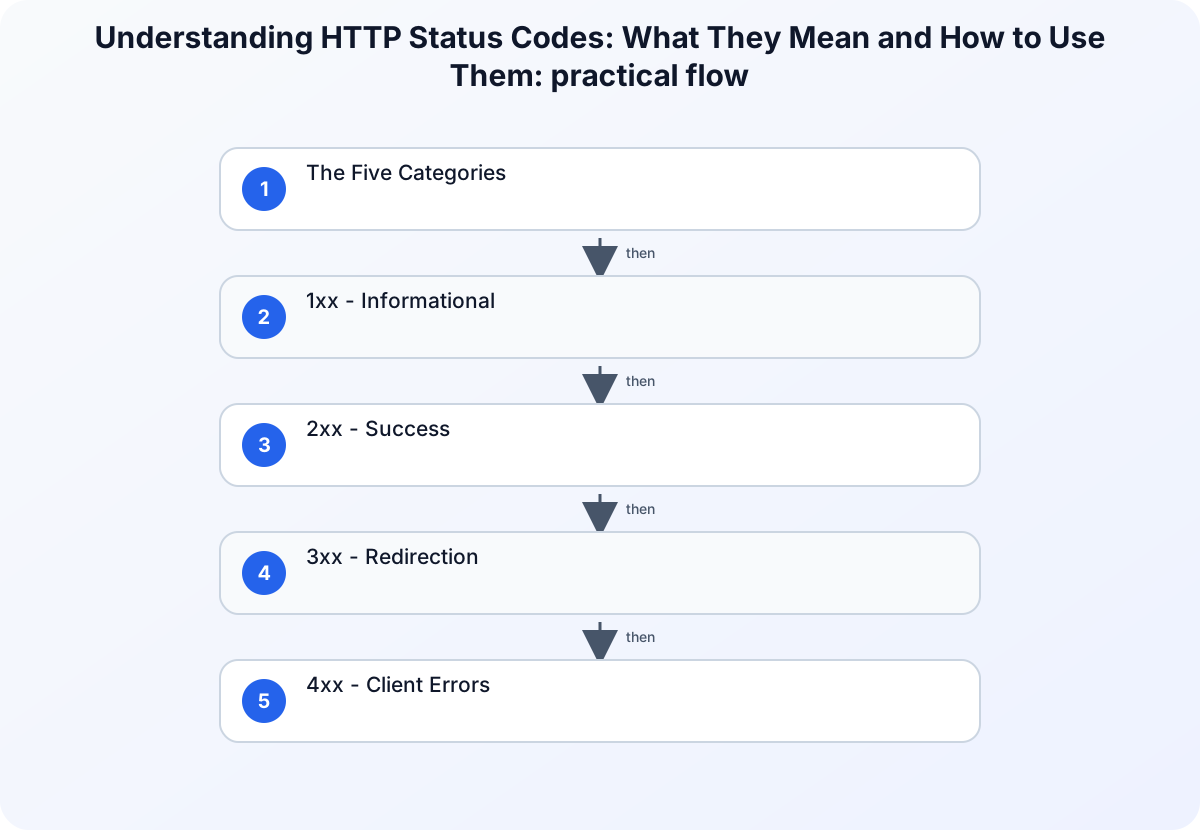
The Five Categories
Status codes are grouped by their first digit:
| Range | Category | Meaning |
|---|---|---|
| 1xx | Informational | Request received, processing continues |
| 2xx | Success | Request completed successfully |
| 3xx | Redirection | Client must take additional action |
| 4xx | Client Error | The request was malformed or unauthorized |
| 5xx | Server Error | The server failed to fulfill a valid request |
1xx - Informational
Rarely seen in most applications, but important for specific protocols.
| Code | Name | Use Case |
|---|---|---|
| 100 | Continue | Server tells client to proceed with a large request body |
| 101 | Switching Protocols | Used for WebSocket upgrade from HTTP |
101 is the handshake that starts every WebSocket connection - critical for real-time applications like chat, live dashboards, and game servers.
2xx - Success
The codes you want to see.
| Code | Name | Use Case |
|---|---|---|
| 200 | OK | Generic success - GET, PUT, PATCH responses |
| 201 | Created | A new resource was created (POST) |
| 202 | Accepted | Request accepted but processing isn’t done yet (async operations) |
| 204 | No Content | Success with no response body (DELETE operations) |
Get specific: Returning 200 OK for a resource creation is technically wrong. Use 201 Created with a Location header pointing to the new resource. API clients and automated tools depend on this precision.
3xx - Redirection
| Code | Name | Use Case |
|---|---|---|
| 301 | Moved Permanently | Permanent URL change - search engines update their index |
| 302 | Found | Temporary redirect - login flows, maintenance pages |
| 304 | Not Modified | Cached response is still valid - saves bandwidth |
| 307 | Temporary Redirect | Like 302, but must preserve the HTTP method |
| 308 | Permanent Redirect | Like 301, but must preserve the HTTP method |
301 vs. 307 matters: A 301 redirect on a POST request causes most browsers to re-issue it as a GET. If you need to redirect a POST and keep it a POST, use 307. This distinction becomes critical in payment flows, form submissions, and API endpoints.
For SEO-critical URL migrations, always use 301. It passes link equity (PageRank) to the new URL. A 302 tells search engines the old URL is still the canonical one.
4xx - Client Errors
The request was wrong - and it’s the client’s fault.
| Code | Name | Use Case |
|---|---|---|
| 400 | Bad Request | Malformed syntax, invalid JSON, missing required fields |
| 401 | Unauthorized | Authentication required or token invalid |
| 403 | Forbidden | Authenticated but not authorized for this resource |
| 404 | Not Found | Resource doesn’t exist at this URL |
| 405 | Method Not Allowed | Wrong HTTP method for this endpoint |
| 409 | Conflict | Resource state conflict (duplicate entry, stale update) |
| 410 | Gone | Resource existed but has been permanently deleted |
| 422 | Unprocessable Entity | Valid syntax, but semantic errors (validation failures) |
| 429 | Too Many Requests | Rate limit exceeded |
401 vs. 403: These are frequently confused. 401 means “tell me who you are” - the client needs to authenticate. 403 means “I know who you are, and you’re not allowed here” - authentication won’t help.
Security consideration: Returning 404 instead of 403 for resources that exist but are unauthorized is a common technique to avoid leaking information about what exists on your system. If an unauthenticated user gets 403 on /admin, they now know there is an admin panel. Returning 404 instead reveals nothing. This pattern is used by many security-conscious APIs.
429 and rate limiting: Always include a Retry-After header with 429 responses. Clients need to know when they can try again; without it, they’ll either hammer your server in a retry loop or give up entirely.
5xx - Server Errors
The request was valid, but the server failed. The client did nothing wrong.
| Code | Name | Use Case |
|---|---|---|
| 500 | Internal Server Error | Unhandled exception, uncaught error |
| 502 | Bad Gateway | Upstream service returned an invalid response |
| 503 | Service Unavailable | Server overloaded or in maintenance mode |
| 504 | Gateway Timeout | Upstream service didn’t respond in time |
Never expose stack traces or internal error details in 5xx responses. Error messages like “NullPointerException at com.example.service.UserService:42” reveal your technology stack, class structure, and file paths. This information directly assists attackers. Log the full error server-side; return a sanitized message to the client.
503 with Retry-After: When deploying maintenance windows or experiencing temporary overload, return 503 with a Retry-After header. Well-behaved clients will back off and retry. Without it, they’ll retry immediately and make your situation worse.
Practical Example: RESTful API
// Express.js - returning appropriate HTTP status codes
app.post('/api/users', async (req, res) => {
  const { name, email } = req.body;

  // 400 - validation failure
  if (!name || !email) {
    return res.status(400).json({
      error: 'VALIDATION_ERROR',
      message: 'name and email are required'
    });
  }

  try {
    const existing = await db.users.findByEmail(email);

    // 409 - duplicate resource
    if (existing) {
      return res.status(409).json({
        error: 'CONFLICT',
        message: 'A user with this email already exists'
      });
    }

    const user = await db.users.create({ name, email });

    // 201 - resource created, with Location header
    res.setHeader('Location', `/api/users/${user.id}`);
    return res.status(201).json({ id: user.id });

  } catch (err) {
    // Log the full error internally, return nothing useful to the client
    console.error(err);
    return res.status(500).json({
      error: 'INTERNAL_ERROR',
      message: 'An unexpected error occurred'
    });
  }
});
Notice: the 500 response returns a generic message. The actual exception is logged server-side. The client never sees your internal implementation details.
Common Mistakes to Avoid
Returning 200 for errors - Some APIs wrap everything in 200 OK with an error field in the body. Don’t do this. It breaks HTTP semantics, confuses monitoring tools, and makes error handling harder for API consumers.
Using 404 when you mean 400 - A 404 means the resource doesn’t exist. A 400 means the request is malformed. If someone hits POST /users with invalid JSON, that’s a 400, not a 404.
Ignoring 422 - 400 means syntactically broken. 422 means syntactically valid but semantically wrong (like a birthdate set to the future). The distinction helps clients give users better error messages.
Returning 403 on private resources - As noted above, consider returning 404 for resources that exist but are restricted to authenticated/authorized users, to avoid confirming their existence to unauthorized callers.
TL;DR
| Concept | Explanation |
|---|---|
| 2xx | success. Use the specific one: 201 for creation, 204 for deletion. |
| 3xx | redirection. Use 301 for permanent, 302/307 for temporary. |
| 4xx | client error. 400 bad input, 401 unauthenticated, 403 unauthorized, 404 not found, 429 rate limited. |
| 5xx | server error. Never expose internals in the response body. |
Getting status codes right isn’t pedantry - it’s the contract your API makes with its consumers.